Welcome to your AI+X Program
You'll use Lark for all program communication and My Dashboard to enroll in projects and the On-Campus Experience. Work through the steps in order — your progress is saved on this device.
Pick a time with your mentor. You'll plan your learning path together and set your first next steps.
This step ticks itself once you book. If it doesn't, mark it done here.
Install Lark on whatever you're using now. Get the phone app too — notifications, your schedule, video sessions and replays all reach you there.
Or scan to get the phone app:


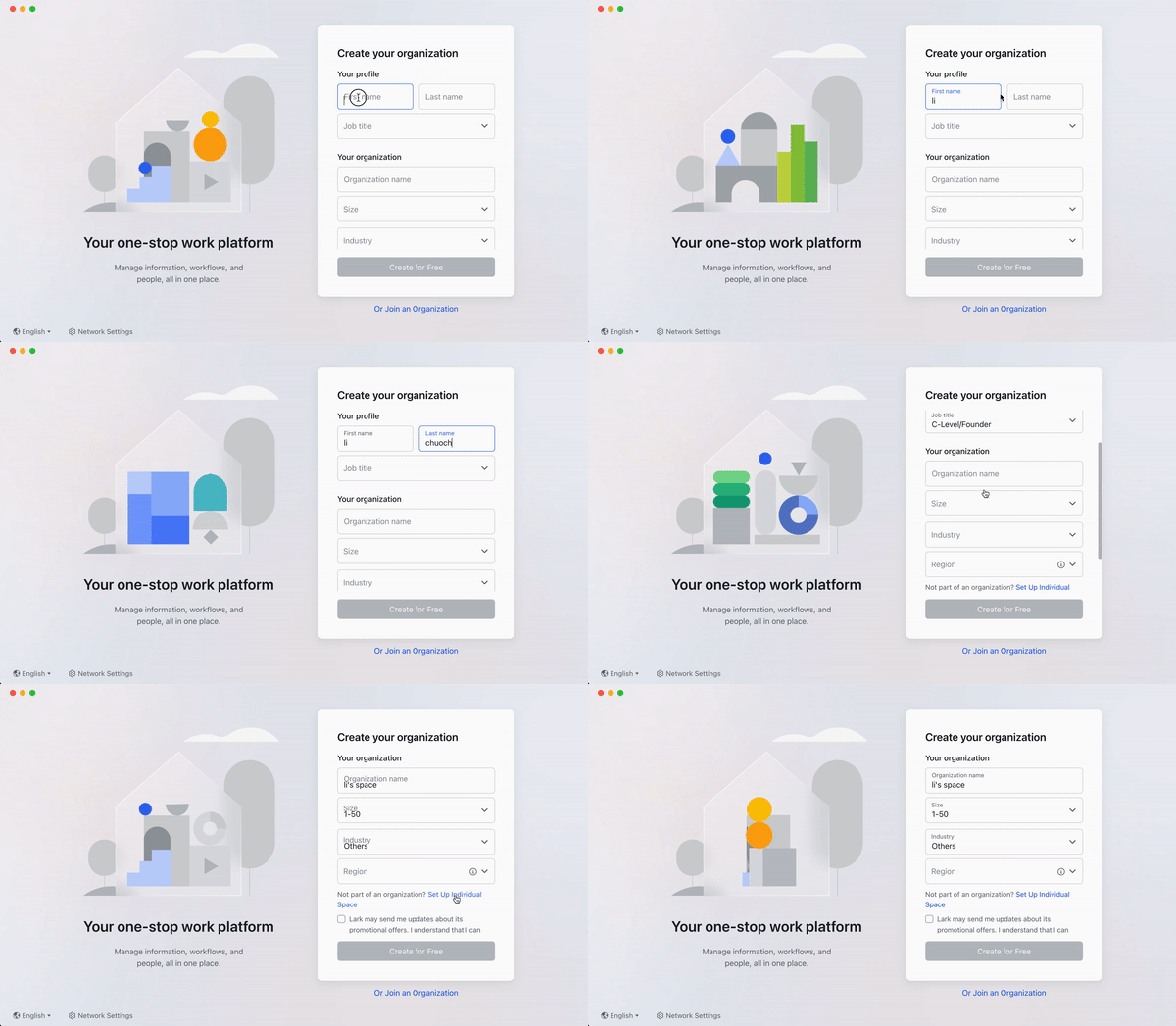
- Open Lark and enter the same email as your BlendED account. Accept the agreement and tap Next.
- Enter the verification code from your inbox.
- Add your first and last name in English. For Job Title, choose C-Level/Founder.
- Skip Organization name, Size and Industry — tap Set Up Individual Space to fill them. Tapping it again resets your changes.
- Tap Create for Free, set a password, then Next.
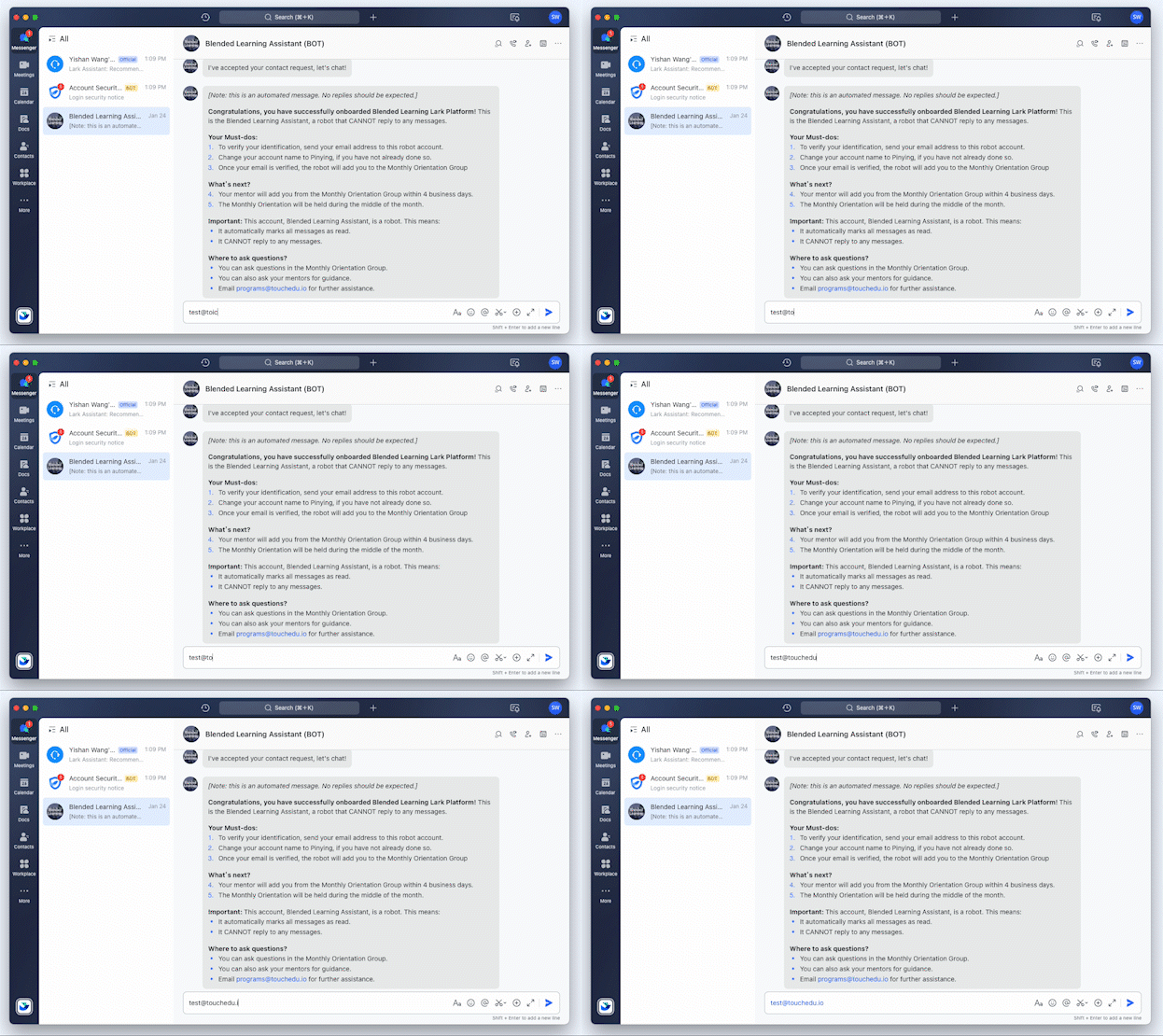
The Assistant shares your Lark contact with our team and adds you to the Community Updates group, where new projects are announced.
Open in Lark and add the Assistant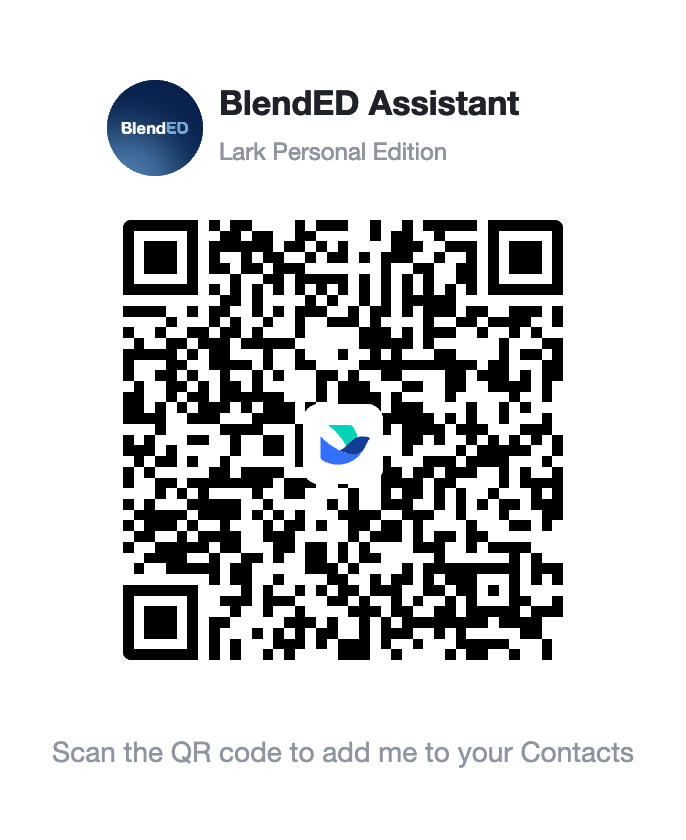 Scan with the Lark phone app, or open the invite link.
Or search for it
In Lark tap + → Add Contact and search programs@blendedlearn.org.
You can't submit final outcomes for a PBL project until you've joined.
- Sign up or log in with your registered email.
- Post a short introduction: your background, interests and what you want from the program.
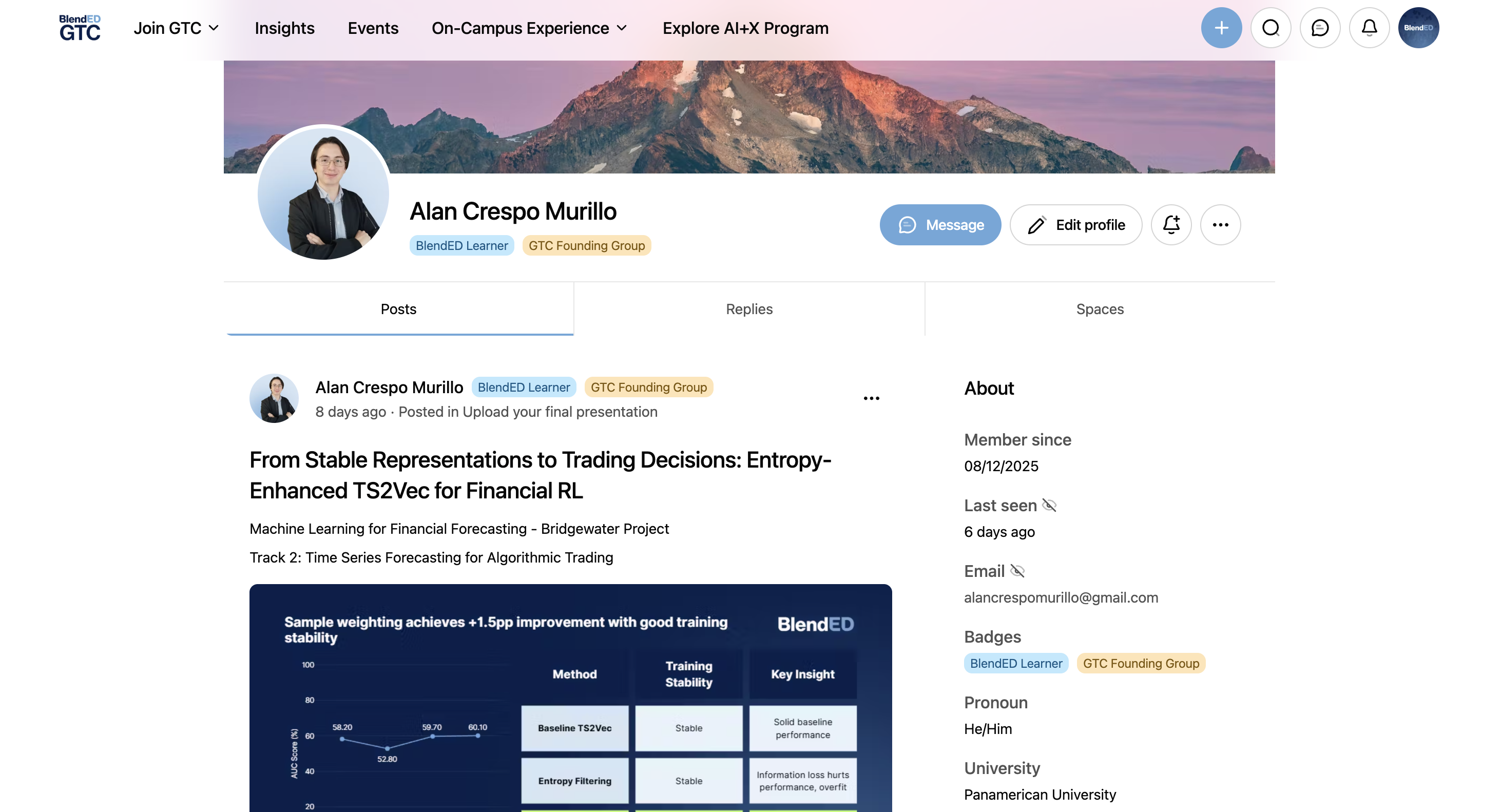
- Finish your profile — View profile → Edit Profile — with a photo and banner. See an example.
Open My Dashboard to choose your first project and confirm your programs.
Open My Dashboard →